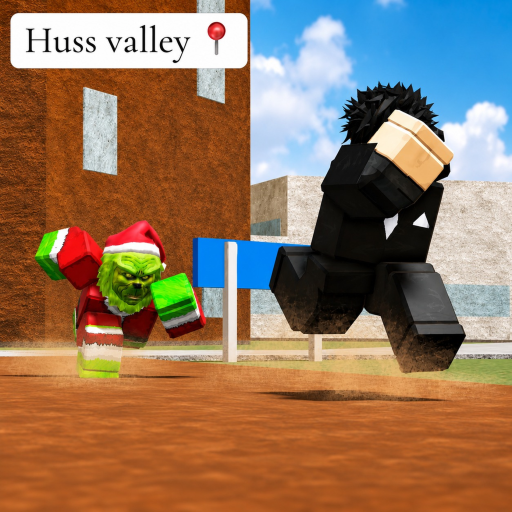
Movement feels different
Open the controls page and distinguish official keyboard bindings from the selected public gameplay labels for Q and E.
First-screen quick start with an ordered first-run method, controls, delivery and chase preparation, Huss Shop and code status, mistakes, and next actions.
The chase-survival section uses selected public controls and general preparation while stating that named enemy rules are unavailable.
Need a different task? Browse the complete Escape Huss Valley guide hub.
Use LeftShift for Sprint and LeftCTRL for Shift Lock, as listed in the official description.
Read the objective visible in your own server and avoid assuming every server has an identical order.
Use the delivery checklist for places you personally observe; no complete public house map is claimed.
The town-square shop sells upgrades and cosmetics, but current option names, prices, and effects are not available in the checked public description.
Open the controls page and distinguish official keyboard bindings from the selected public gameplay labels for Q and E.
Shorten the checklist, return to a place you recognize, and rebuild the order from visible stops.
A complete house inventory and distance table are unavailable, so universal fastest-route claims are not supported.
The official description lists three strings but does not state their rewards or expiry dates.
Press LeftShift on keyboard, according to the official experience description.
Follow the visible objective in your server and begin with a short list of observed stops.
No complete public house list or verified distance map was available in the information checked.